






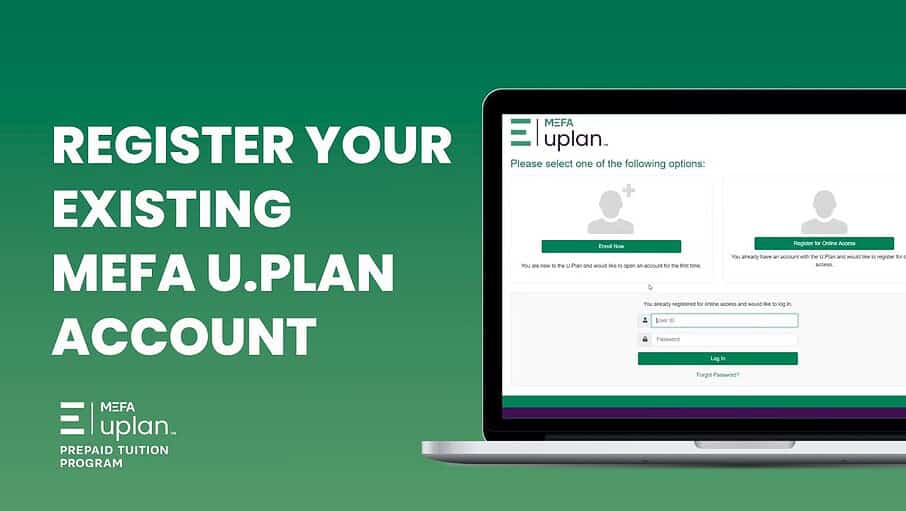
In this video tutorial, you’ll be walked through the steps of registering your existing MEFA U.Plan account. Once your account is registered, you can access your account information anytime, set up automatic direct deposits to increase savings, view your balances, and more. Get started today at uplan.mefa.org.
Please note that this transcript was auto-generated. We apologize for any minor errors in spelling or grammar.
Here’s how to reregister your existing U Plan account. For access to our new online portal, visit u plan.mefa.org. Click register for online access. To begin registering and linking your account, create your user ID by entering your email address. And choosing a password. Review the website agreement by clicking the green link.
Check the box to indicate that you have reviewed and agreed to the terms. Next, choose your security questions and enter your answers. You’ll need to know these answers in case you ever need to reset your login information. On this next step, you will choose how you receive your documents. Once your account is registered, you can change your election at any time using delivery options under profile.
Finally, you’ll need to enter the following information to complete the registration process, your Social Security number, and your U Plan account number. [00:01:00] If you don’t know your U Plan account number, click forgot account number, and we’ll help you retrieve it by having you enter your social security number.
And your beneficiary’s date of birth. If you have more than one beneficiary, you may use any of their dates of birth to complete this process. Once again, thank you for choosing to save in the U Plan.